
The whole job, step by step.
One take-off, one quote, one crew, one delivery, one invoice. Here is the same job moving through EasyFlow from the first measurement to the money landing, and what each step does for you.
The quantities come off the plan, not out of your head.
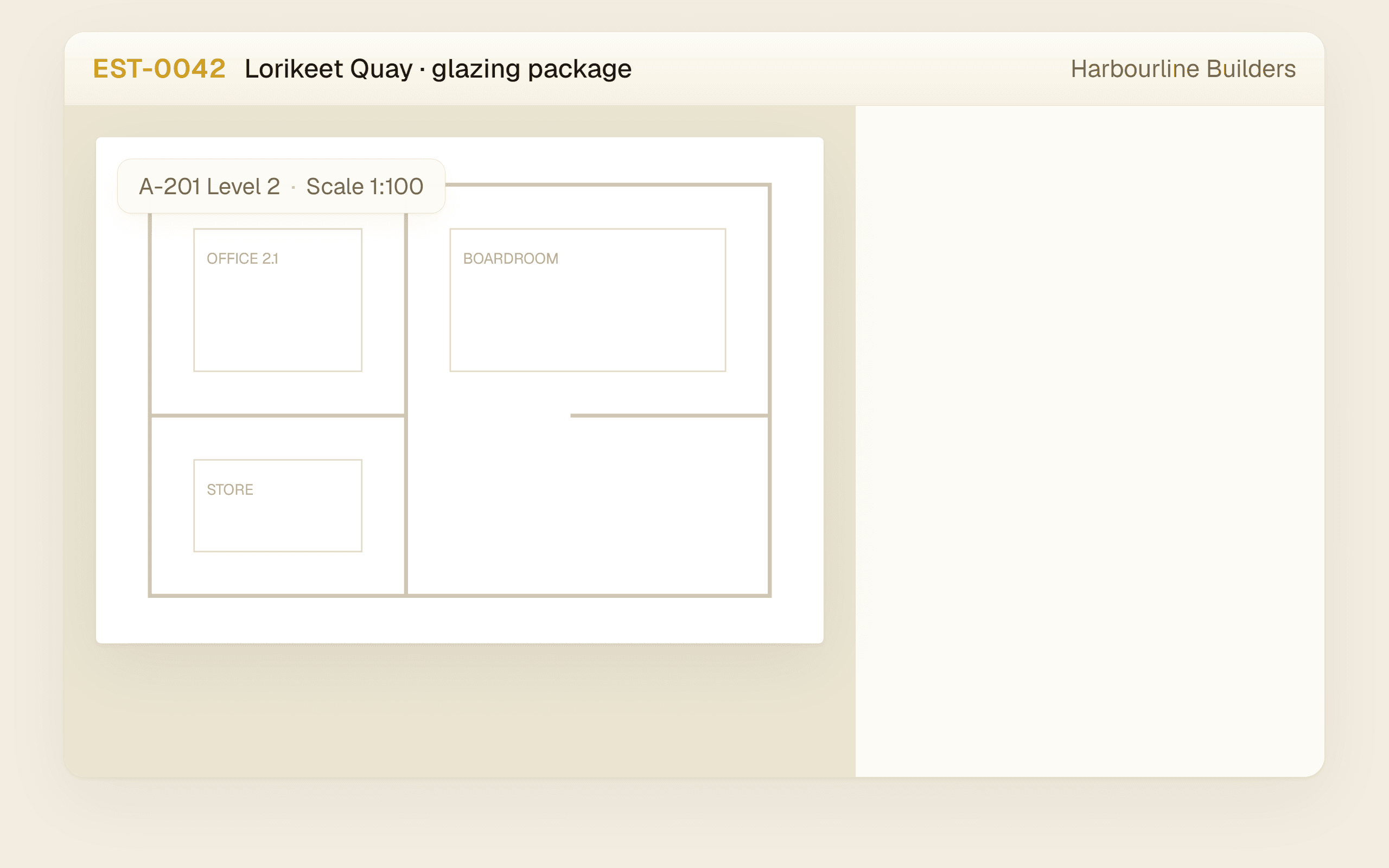
Set the drawing scale once on the architect’s PDF, then trace the areas, runs and counts. Each trace prices itself off your own library as it lands, so the take-off and the quote are the same numbers, and the marked-up plan travels with the quote that came out of it.
- Scale set once, off a known dimension
- Areas, runs and counts, priced as you trace
- Marked-up plans travel with the quotation
The price you agreed does not depend on who remembers it.
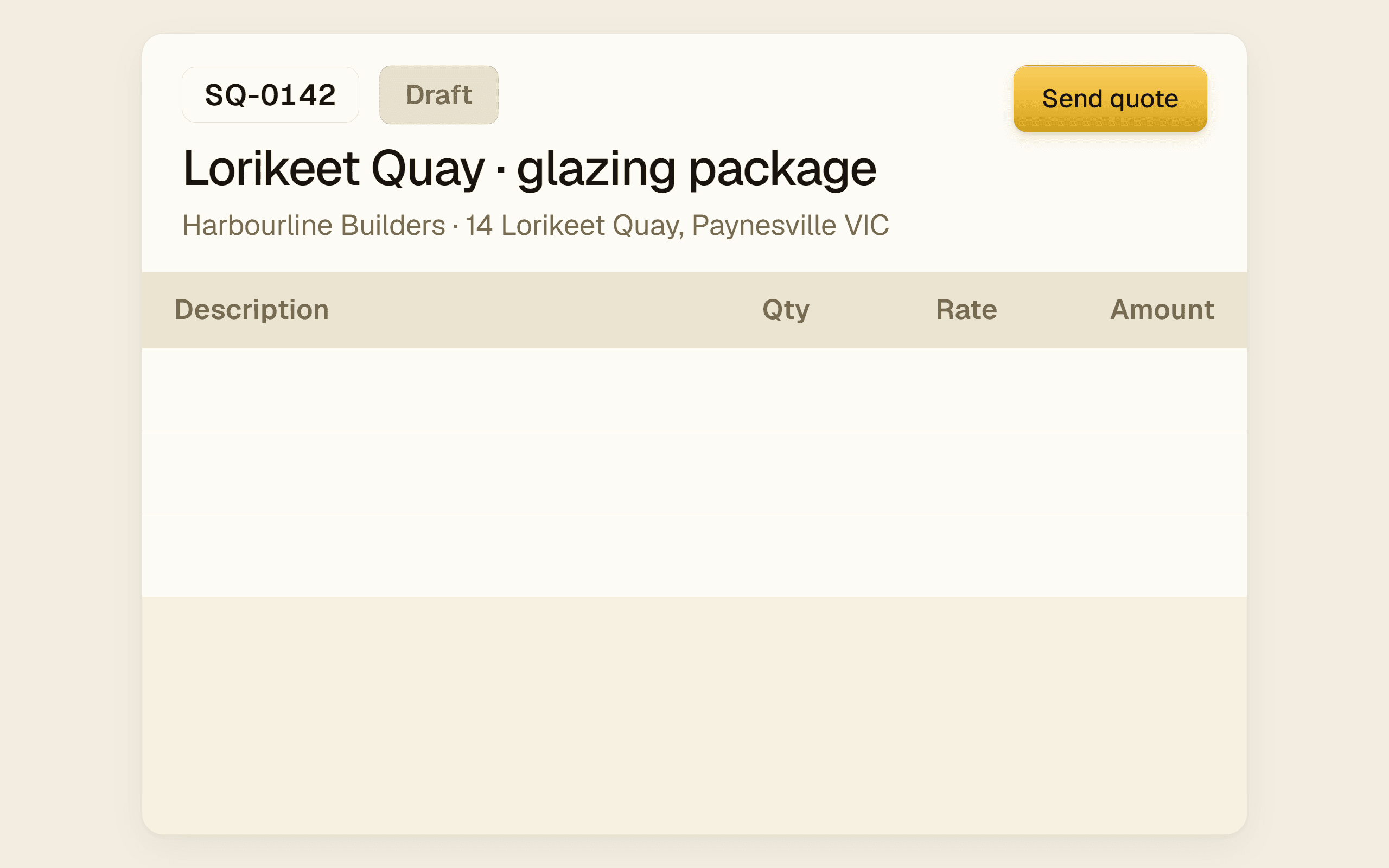
Build the quote off your own pricelist, send it, and the numbers freeze at send. Accept it and the job, the schedule and the invoice all inherit those exact lines. Nobody retypes anything, and nobody quietly charges last year’s rate.
- Line items straight off your pricelist
- GST-aware before it leaves your hands
- Variations quoted off the same pricelist
The tap that ends the day starts the payroll.
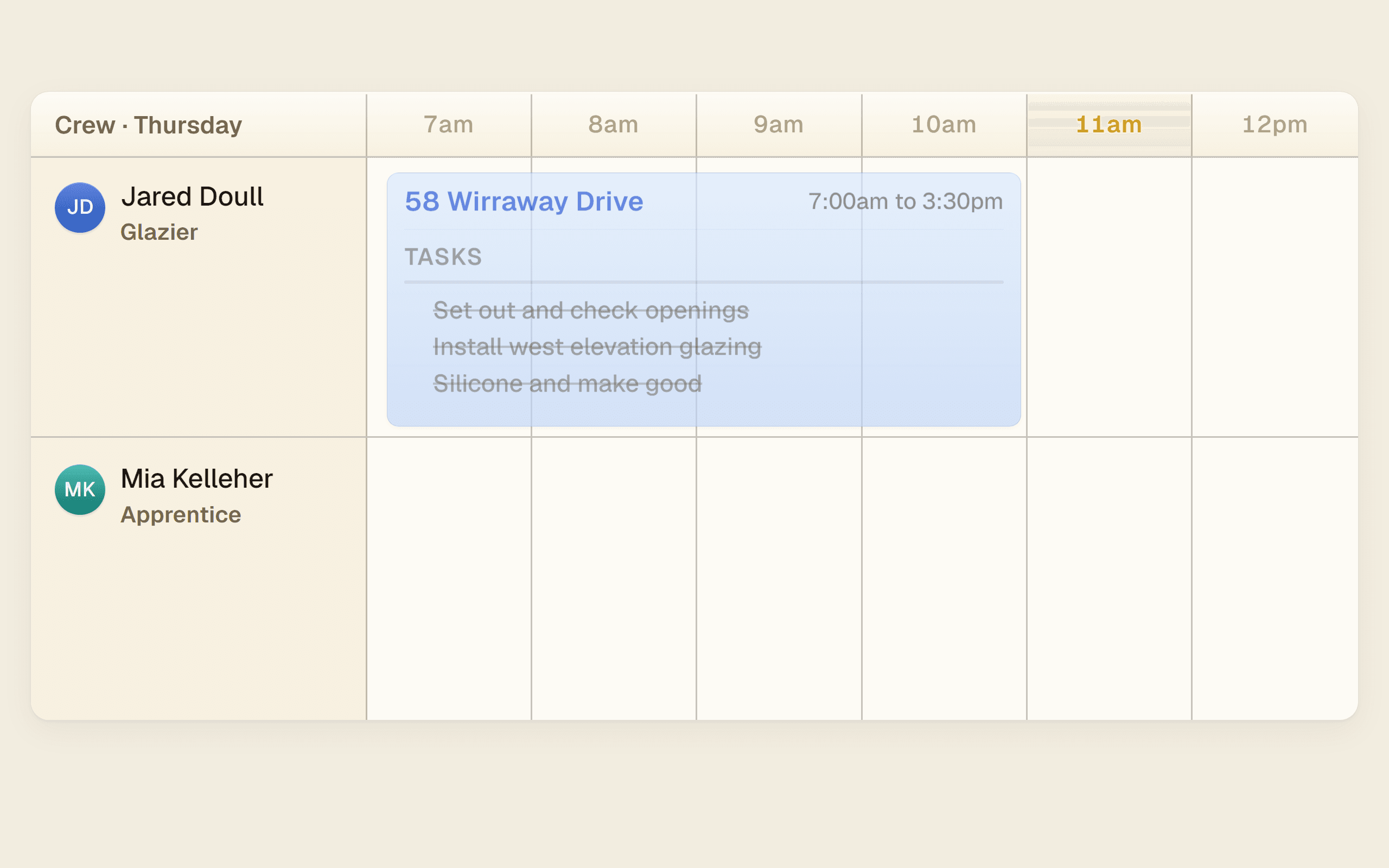
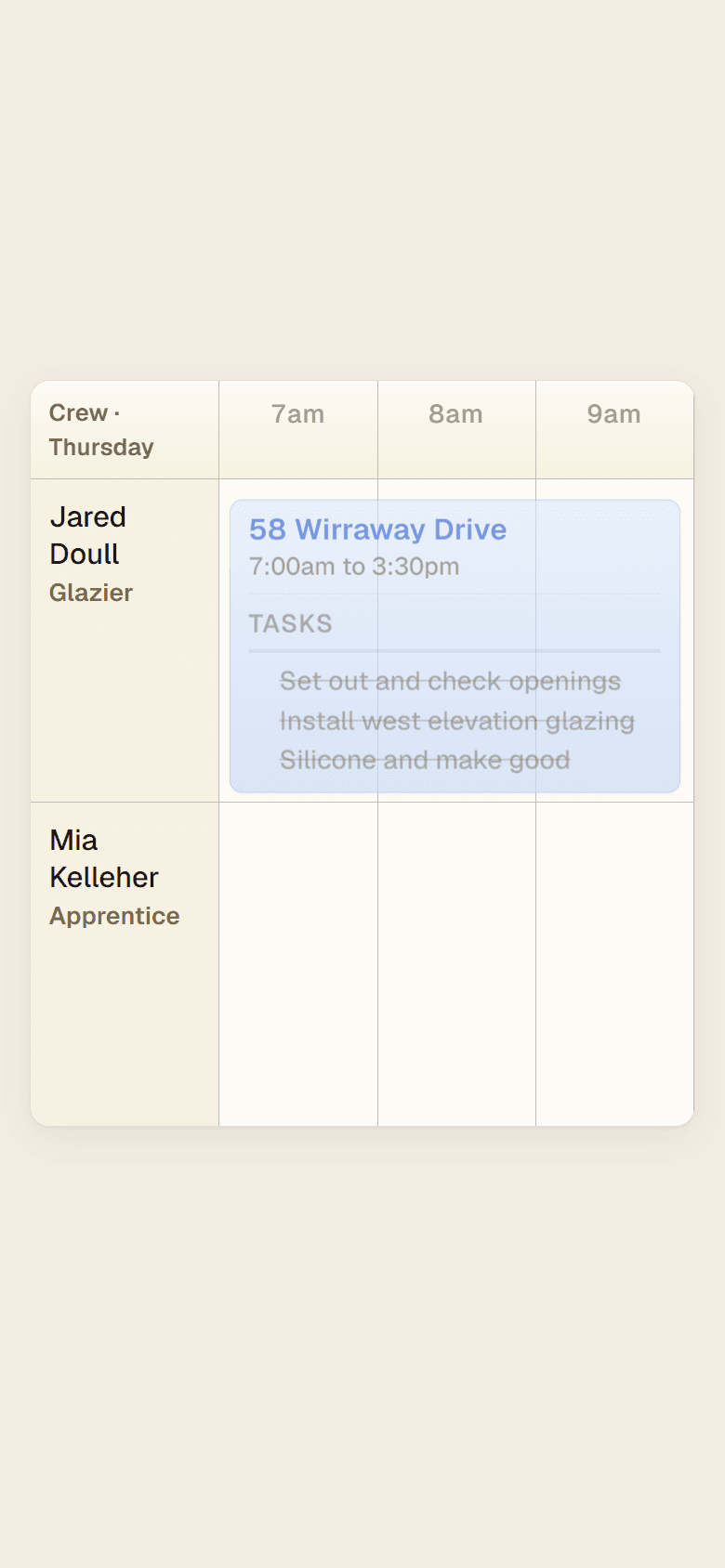
Put the crew on the job in a day view everyone can see, with the tasks hanging off the block. When a crew member taps off at 4pm those hours are already a timesheet, already costed against the job, already on their way to pay.
- One calendar, not three versions in three heads
- Tasks live on the block, ticked off on site
- Hours flow through to timesheets and pay
You order it once. Nothing else in the business gets typed again.
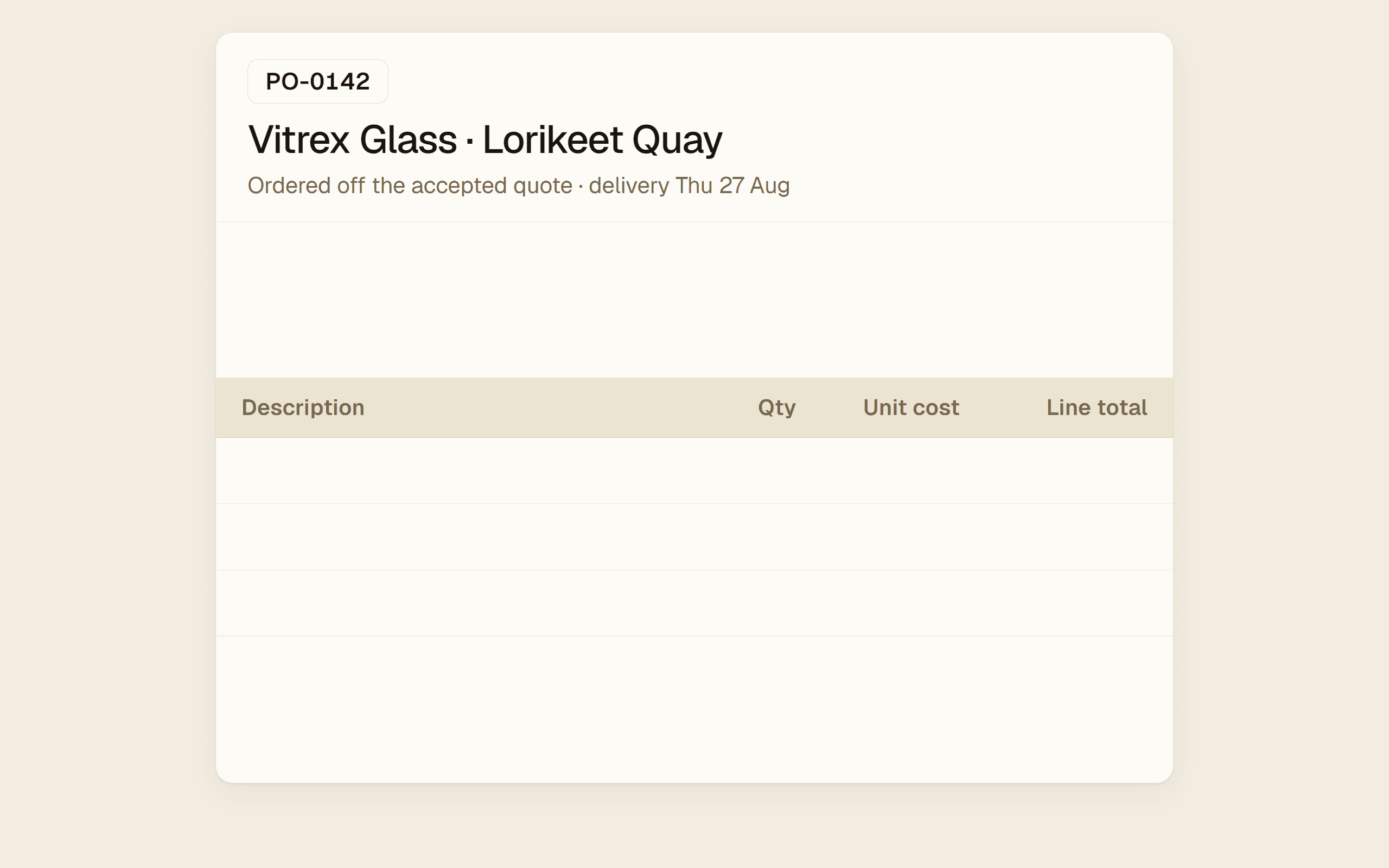
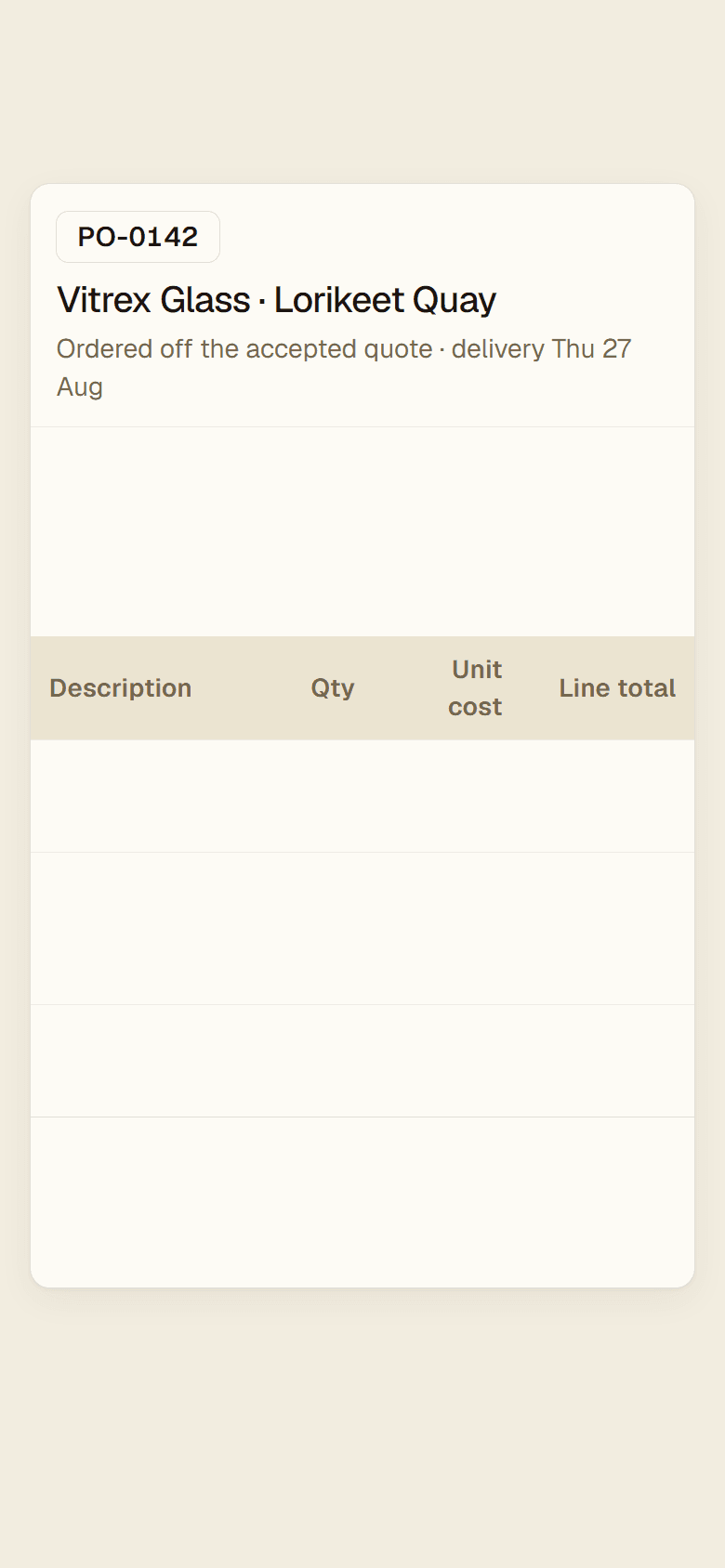
Raise the PO off the accepted quote at the supplier’s real pricelist. Best price compares your suppliers on the landed number rather than the sticker. When the bill turns up it matches itself against what you actually ordered.
- PO built off the quote, not off memory
- Best price across every supplier you use
- Bill matched to the order, line by line
Every delivery is checked by item, and every fault has a name on it.
Check the delivery on the phone, item by item, standing at the truck. A short count or a damaged panel is logged against the supplier with the photo attached, so the credit conversation is already won before you pick up the phone.
- Item-level QA instead of a signed docket
- Photos attached at the point of fault
- Rework tracked back to the supplier
The quote chases itself. The invoice chases itself. You go home.
Invoice off the job that just finished, drawing on every quote the client accepted along the way. It pushes straight into Xero so it is entered once, and it chases itself on your reminder schedule until the money lands.
- Progress claims and retention handled properly
- Pushes into Xero, entered once, GST-aware
- Reminders go out without you remembering
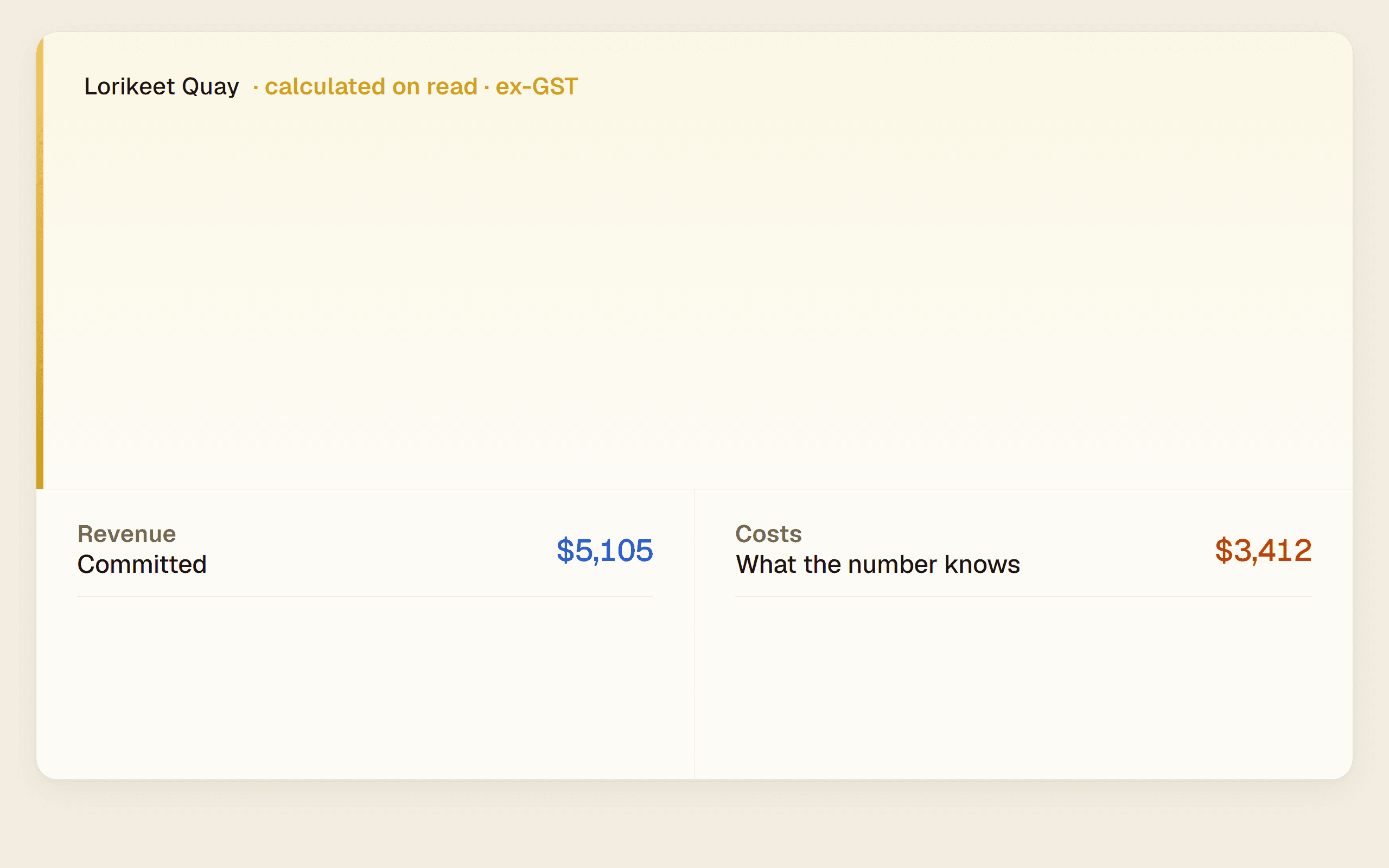
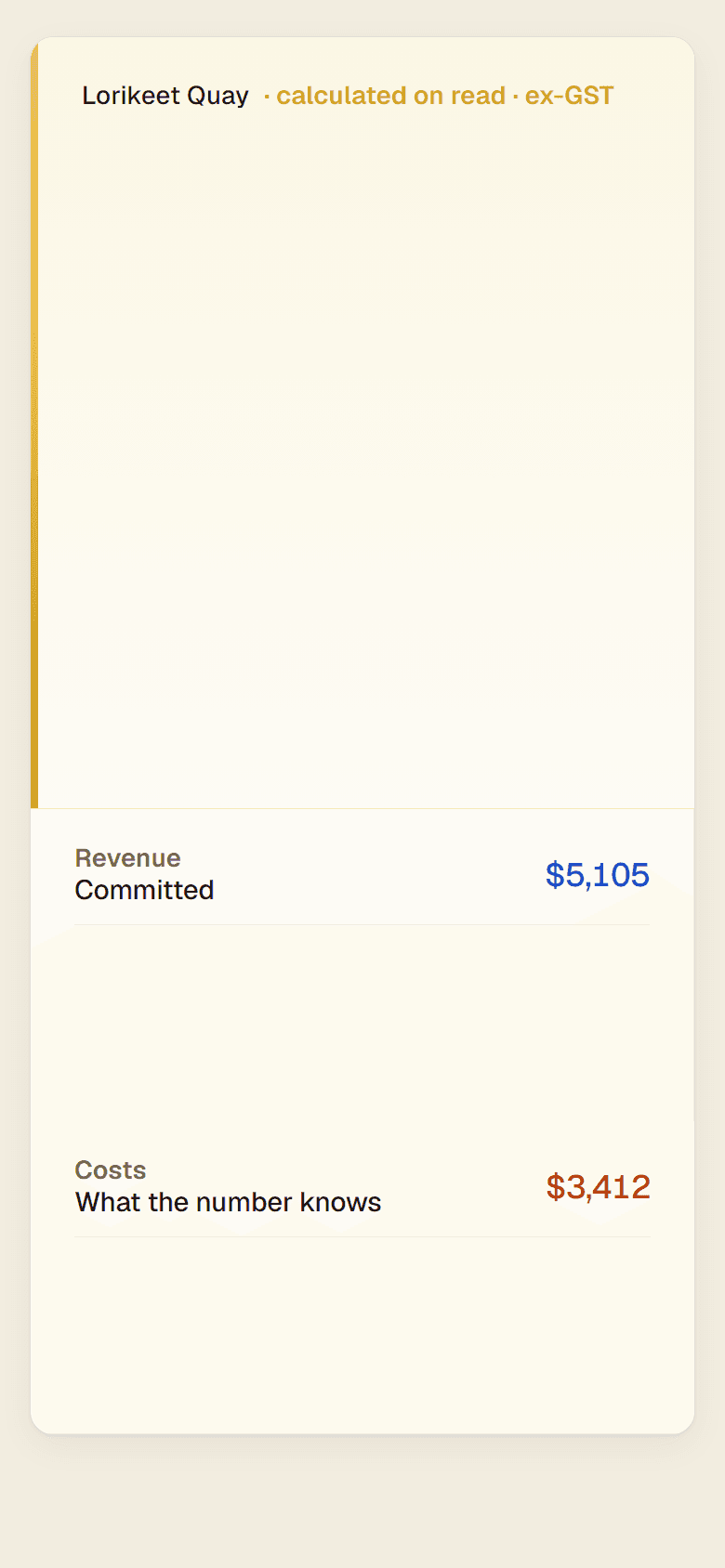
Every job tells you what it is costing, and how much of that it actually knows.
A live margin on every job with the health band showing at a glance. And because it tells you which costs are still estimates and which are locked in, you know exactly how much to trust the number. Your crew sees the job. Only you see what it is worth.
- Live margin with health bands, job by job
- Provenance on every cost, so you know what is real
- Cost Visibility set by role, not by honour system
That is the whole loop.
Run it on your own jobs.
Up and running in days, not months: concierge data import, onboarding inside two weeks, and support that knows the trade.